

First, you need to make sur that the repository is not currently on the branch to be deleted:
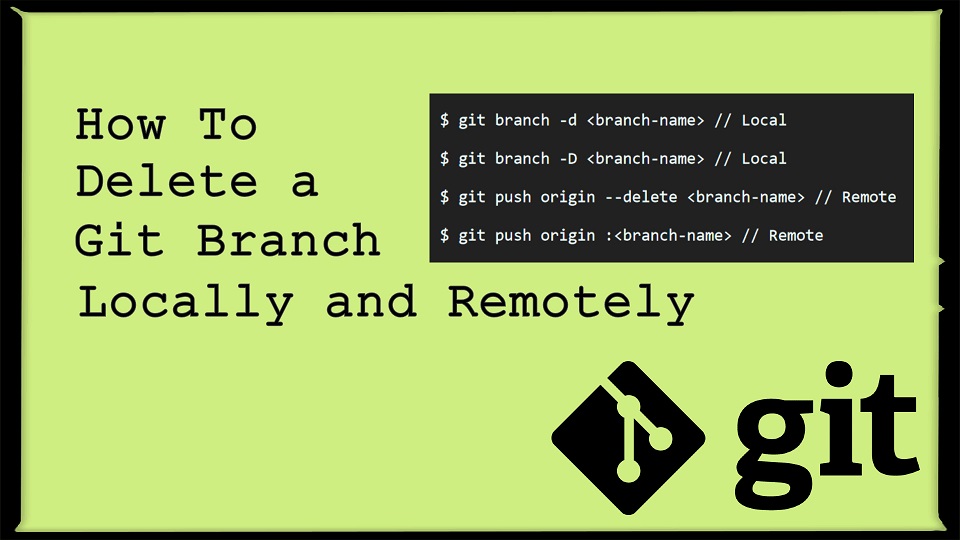
git checkout mainTo delete a local branch that has been fully merged, you can use git branch -d:
git branch -d branch-to-deleteTo delete a local branch that has not been fully merged, you must use git branch -D (force delete):
git branch -D branch-to-deleteTo delete a remote branch, use git push --delete. Assuming that the remote is named origin, you would use the command:
git push origin --delete branch-to-delete