
Method 1
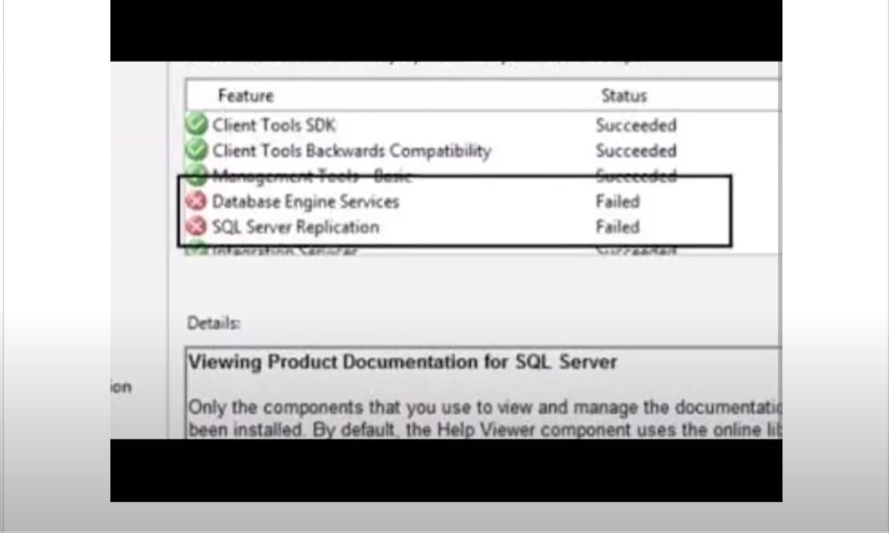
You can try to uninstall it cleanly and install it again.
Please follow the below steps to remove all components of previous installed SQL Server completely:
- Remove all SQL Server components from ‘Programs and Features’
- Backup the registry
- Delete the following keys in regedit:
–HKEY_LOCAL_MACHINE\SOFTWARE\Microsoft\Microsoft SQL Server
–HKEY_LOCAL_MACHINE\SOFTWARE\Microsoft\MSSQLServer
- Go to HKEY_LOCAL_MACHINE\SOFTWARE\Microsoft\Windows\CurrentVersion\Uninstall and delete all the sub-keys referencing SQL Server
- Go to HKEY_LOCAL_MACHINE\SYSTEM\CurrentControlSet\Services and delete all the keys referencing SQL Server
- Reboot the machine
In addition, please use an administrator account to reinstall SQL Server on your computer(Right click->run as administrator).
You can check the installation conditions before installation by referring to the following link.
refer to below link on Microsoft website for more information
Method 2